Creating Your First Hive
A hive record represents a single colony in your apiary. This is where you'll track everything about your bees - from equipment to health records! 🏠
📋 Before You Start
Make sure you have:
- ✓ At least one apiary created (Learn how)
- ✓ Basic information about your hive equipment
- ✓ A way to identify this hive (number, name, or location within the apiary)
Navigate to Your Apiary
From your dashboard, click on the apiary where you want to add the hive.
Click the "View Hives" button.
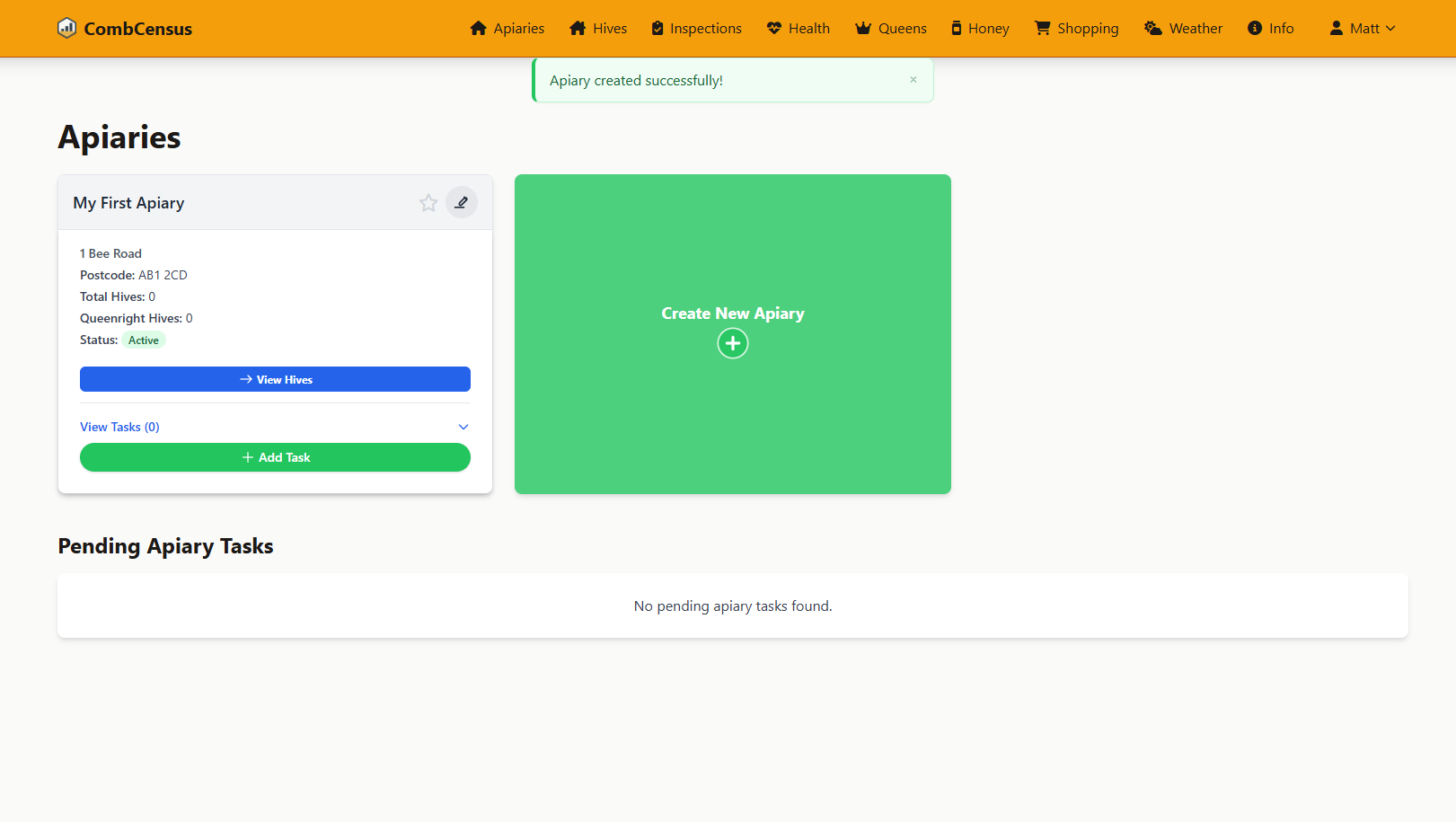
Screenshot: Your apiary page with the "Add Hive" button ready to click
Click "Create New Hive"
Look for the "Create New Hive" button on your apiary page and click it to open the hive creation form.
Fill in Basic Hive Details
Complete the hive information form with your colony details.
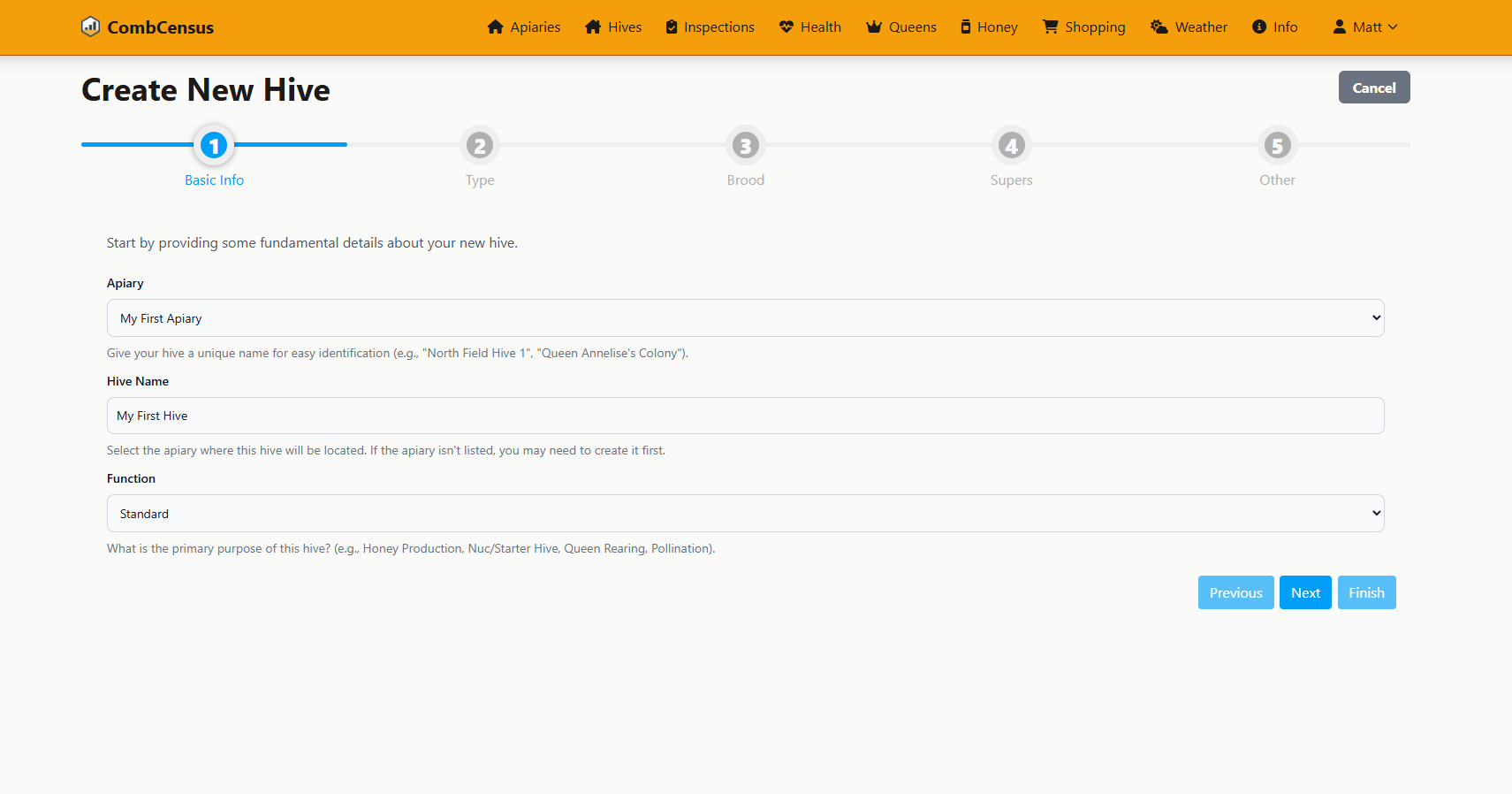
Screenshot: The hive creation form - comprehensive but easy to use
📋 Hive Information Fields
Basic Details:
- • Hive Number/Name: How you identify this hive
- • Hive Type: National, Langstroth, Top Bar, etc.
- • Material: Wood, plastic, poly, etc.
Equipment Configuration:
- • Brood Boxes: Number of deep boxes
- • Supers: Number of honey supers
- • Queen Excluder: Present or not
Save and View Your Hive
Click "Finish" to save your colony and access the hive management page.
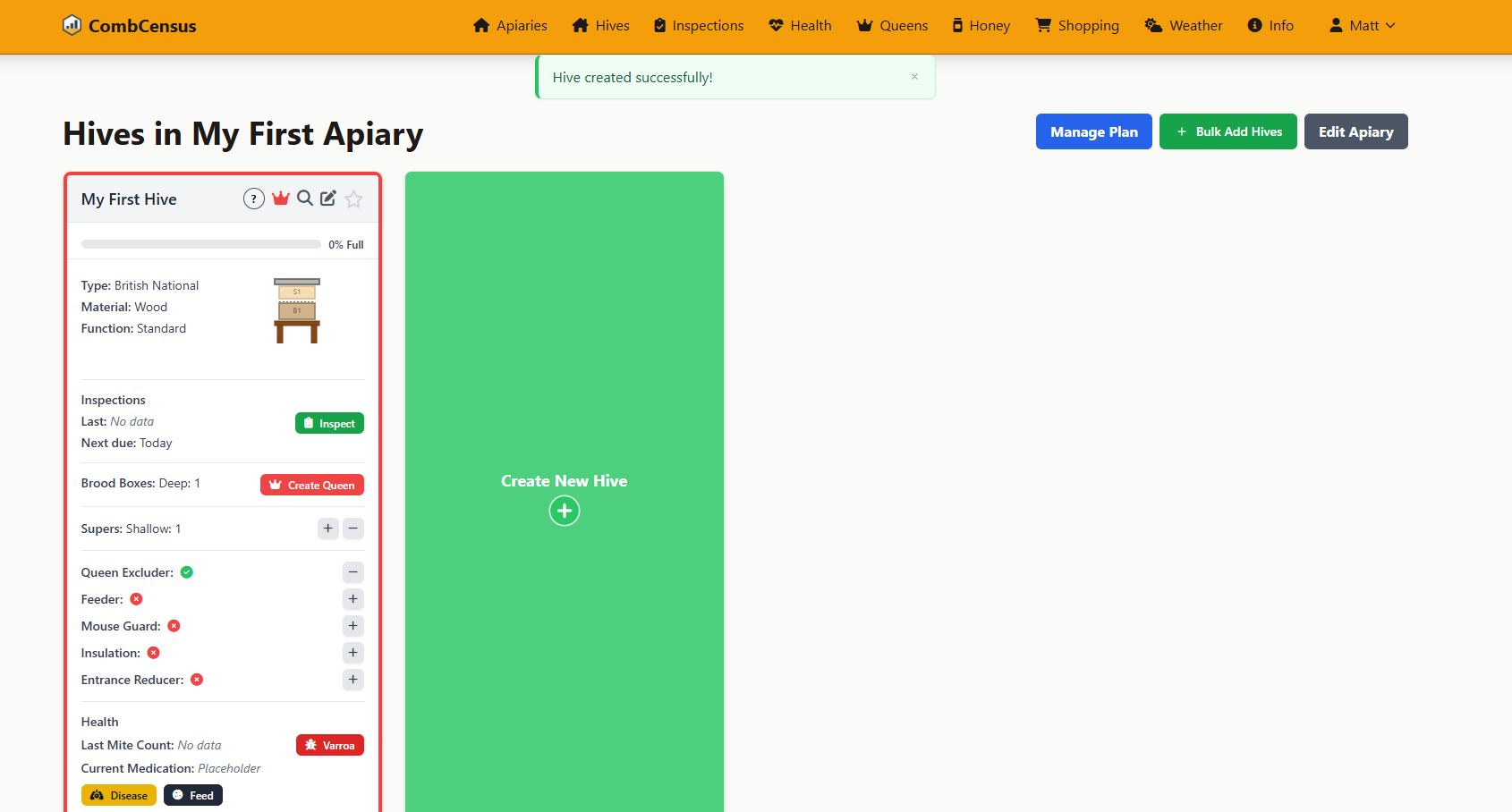
Screenshot: Your new hive page - ready for inspections and queen records
🎉 Well done! Your hive is now registered in CombCensus. You can see the visual representation of your hive stack and start logging inspections.
🔍 Understanding Your Hive Page
Key Sections
-
Visual Hive Stack:
Shows your current hive configuration graphically
-
Equipment Status:
Quick overview of installed equipment
-
Recent Inspections:
History of your colony observations
Quick Actions
-
Log Inspection:
Record observations from your latest visit
-
Update Equipment:
Modify the hive configuration as needed
-
View Analytics:
Access charts and trends for this hive
👑 What's Next?
Your hive is set up, but every colony needs a queen! The next step is to register your queen so you can track her age, marking, and lineage.